
URL Encoding: Why Special Characters Break Your Links
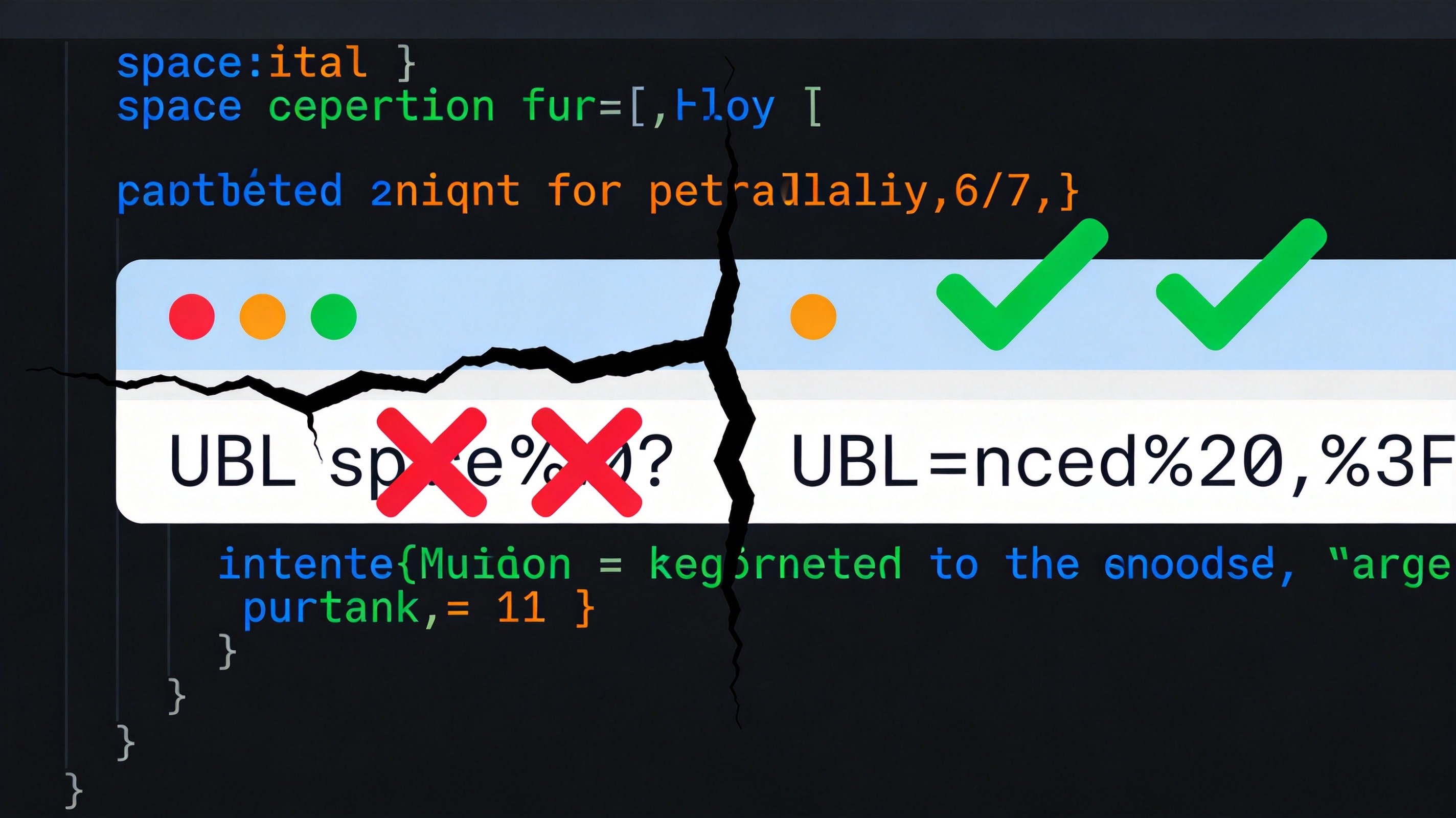
Ever shared a link that looked fine on your end but arrived broken for the other person? Maybe the URL had a space in it, or a question mark where it shouldn't be, or an ampersand that ate half your query string.
This isn't random. URLs have strict rules about which characters they can contain. When you put characters that violate those rules into a URL without encoding them, things break in predictable — but frustrating — ways.
Here's the short version: if a character isn't a letter, digit, hyphen, underscore, period, or tilde, it needs to be percent-encoded. This guide explains why, how, and when.
What URL Encoding Actually Does
URL encoding (also called percent-encoding) replaces unsafe characters with a % followed by two hexadecimal digits representing that character's ASCII value.
A few common examples:
- Space →
%20 - Question mark →
%3F - Ampersand →
%26 - Equals sign →
%3D - Forward slash →
%2F - Hash / pound →
%23
So a URL like https://example.com/search?q=hello world&lang=en should actually be https://example.com/search?q=hello%20world&lang=en when properly encoded.
Why This Matters: The Reserved Characters Problem
URLs have a structure. Characters like :, /, ?, &, =, and # aren't just characters — they're delimiters with specific jobs.
:separates the scheme (https:)/separates path segments?marks the start of the query string&separates query parameters=separates parameter names from values#marks the fragment identifier
When these characters appear in your data — say, a product name like "Tom & Jerry" or a URL you're passing as a parameter — they confuse the parser. The server reads the & as a parameter separator, not as part of the value. The result: truncated data, missing parameters, or 404 errors.
This is why encoding exists. It tells the parser: "This character is data, not structure."
encodeURI vs. encodeURIComponent: The Difference That Trips Everyone Up
JavaScript provides two encoding functions, and picking the wrong one is the source of most URL encoding bugs I see.
encodeURI() encodes a complete URL. It leaves structural characters alone:
encodeURI("https://example.com/path?name=Tom & Jerry")
// "https://example.com/path?name=Tom%20&%20Jerry"
Notice the & is still there. That's because encodeURI assumes the & is a legitimate parameter separator. If it's actually part of your data, this output is wrong.
encodeURIComponent() encodes everything. It's meant for individual values that go into a URL:
encodeURIComponent("Tom & Jerry")
// "Tom%20%26%20Jerry"
Now the & is encoded as %26, which means it won't be interpreted as a delimiter.
The rule of thumb: use encodeURIComponent for query parameter values, and encodeURI only if you're encoding an entire URL that you know is structurally correct.
Common Scenarios Where Encoding Breaks
1. Passing URLs as Query Parameters
Redirect URLs are a classic case. You want to send someone to https://example.com/redirect?url=https://other.com/page?a=1&b=2
Without encoding, the parser reads &b=2 as a separate parameter of the outer URL. The redirect target becomes just https://other.com/page?a=1 — half the data is gone.
Fix: encodeURIComponent("https://other.com/page?a=1&b=2") before inserting it as a parameter value.
2. User-Generated Content in URLs
Search queries, usernames, file names — these often contain spaces, special characters, or non-ASCII text. If your app constructs URLs from user input without encoding, you're one "O'Brien" away from a broken link.
3. Non-ASCII Characters
Characters outside the ASCII range (accented letters, CJK characters, emoji) need multi-byte percent-encoding. For example, café becomes caf%C3%A9. Modern browsers handle this automatically in the address bar, but if you're constructing URLs programmatically, you need to encode these yourself.
Decoding: The Other Direction
When a server receives an encoded URL, it decodes it back to the original characters before processing. This happens automatically in most frameworks — you don't need to manually call decodeURIComponent on incoming request parameters.
But there are cases where you'll need to decode manually:
- Reading encoded values from log files
- Debugging API requests where parameters look garbled
- Processing URLs stored in databases or configuration files
Just remember: decode what was encoded, and don't double-decode. Double-decoding is a security vulnerability — it's how attackers bypass input validation through a technique called "double encoding attacks."
The + vs %20 Confusion
One more thing that catches people off guard. In HTML form submissions (with application/x-www-form-urlencoded), spaces are encoded as + instead of %20. But in proper URL encoding per RFC 3986, spaces should be %20.
This means decodeURIComponent won't convert + back to a space — it only handles percent-encoded sequences. If you're decoding form data, you need to replace + with spaces first, or use the appropriate form decoding function in your framework.
It's a small inconsistency, but it's caused more debugging sessions than I can count.
Quick Reference: Characters You Should Always Encode
- Space — never leave a literal space in a URL
- & — conflicts with parameter separators
- = — conflicts with parameter assignment
- ? — conflicts with query string start
- # — conflicts with fragment identifier
- % — the encoding prefix itself; an unencoded
%breaks any subsequent percent-encoded sequence - Non-ASCII characters — any character outside the printable ASCII range
The Tool for the Job
If you need to quickly encode or decode a URL, the URL Encoder/Decoder on ToolMixr handles both encodeURI and encodeURIComponent modes, plus decoding. It's what I use when debugging URL issues instead of opening a browser console every time.
Related Articles
URL encoding isn't exciting, but it's one of those fundamentals that saves you from a category of bugs that are genuinely hard to track down. The next time you see a query parameter that's silently empty or a link that works for some users but not others, check for unencoded special characters first. It's almost always the answer.