
JSON Formatting Best Practices for Developers
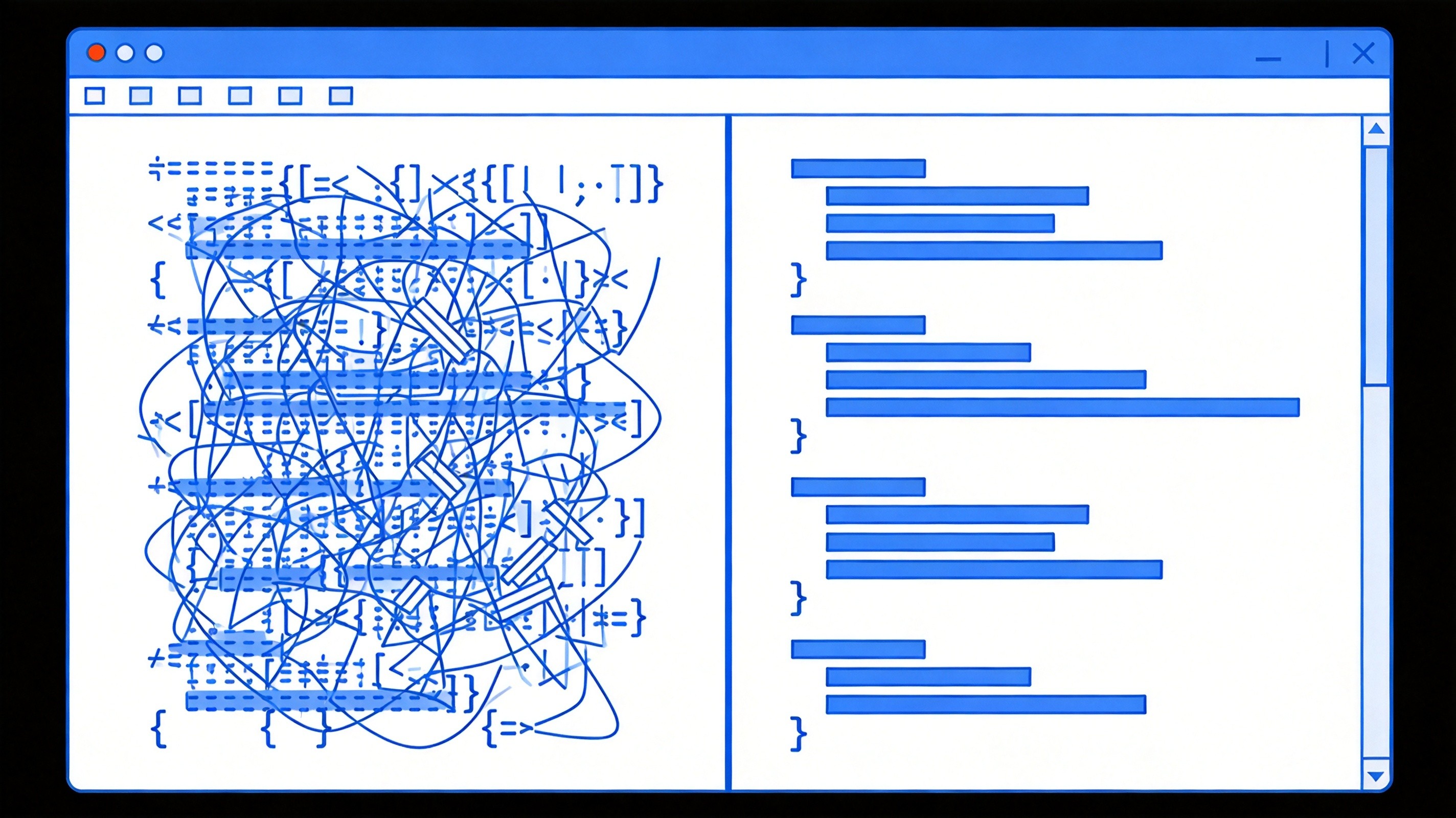
We've all been there. Your API returns a wall of compressed JSON. You paste it into your editor expecting to debug something simple, and instead you're staring at a single 4,000-character line wondering where you went wrong in life.
Proper JSON formatting isn't just about aesthetics — it directly affects how quickly you can find bugs, how your team collaborates, and whether you waste an hour chasing a syntax error that's actually just a missing comma.
The Most Common JSON Mistakes
Before we get to formatting best practices, let's address the mistakes that actually break JSON:
- Trailing commas — JSON doesn't allow them.
{"name": "John",}will crash. - Single quotes — Strings must use double quotes. Always.
- Comments — JSON doesn't support them. If you need documentation, add a separate
_metafield. - Trailing whitespace — Can cause parsing issues in some contexts.
- Numbers with leading zeros —
07is invalid;7is fine.
The single biggest time-waster I see? Developers treating JSON like JavaScript objects and forgetting these differences. The browser console prints objects nicely, but that's not valid JSON.
Formatting vs. Minification
Here's a question I get a lot: should I format my JSON or minify it?
The answer depends on context:
Use formatted JSON when:
- Debugging or reviewing data
- Code reviews
- Configuration files that humans edit
- Teaching or documentation
Use minified JSON when:
- API responses (smaller payload = faster transfer)
- Storage constraints
- Production configuration
Most frameworks handle this automatically in production but give you readable output in development. If yours doesn't, that's a setup worth fixing.
Indentation: 2 Spaces vs. 4 Spaces
Religious war territory, I know. But here's my take after years of reading JSON in various contexts:
2 spaces is generally better for nested JSON because you can see more of the structure before horizontal scrolling kicks in. 4 spaces is more readable at a glance if your nesting depth is shallow.
Honestly, the specific number matters less than consistency across your team. Pick one and enforce it in your linter.
Sorting Keys for Consistency
This is a practice I didn't appreciate until I started working with large teams. If your API returns JSON with keys in different orders depending on internal logic, diffing becomes a nightmare.
Solution: sort your keys alphabetically. Always. It's predictable, it makes diffs meaningful, and it prevents the "works on my machine" bugs that come from subtle ordering differences.
{
  "address": "123 Main St",
  "age": 30,
  "name": "Sarah",
  "preferences": {
    "notifications": true,
    "theme": "dark"
  }
}
Handling Large JSON Files
Sometimes you need to work with JSON files that are legitimately large — 10MB, 50MB, more. Formatting those in a standard editor can hang your machine.
Options:
- Stream parsing — Use libraries like
oboe.jsfor browsers orJSONStreamfor Node.js - jq — The command-line JSON processor.
cat large.json | jq '.'to format, or query specific paths - VS Code with caution — It can handle surprisingly large files, but watch your memory
- Online formatters — Fine for files under ~5MB; beyond that, local tools are faster
Schema Validation: Don't Skip It
I've seen production bugs that could have been caught in seconds with JSON Schema validation. The idea is simple: define the expected structure of your JSON upfront, and validate against it.
{
  "$schema": "http://json-schema.org/draft-07/schema#",
  "type": "object",
  "required": ["id", "name", "email"],
  "properties": {
    "id": { "type": "integer" },
    "name": { "type": "string" },
    "email": { "type": "string", "format": "email" }
  }
}
Tools like Ajv make this easy to integrate into your build pipeline or API validation layer. Worth the upfront investment.
The Tool for the Job
Speaking of formatting, if you're working with JSON regularly, the JSON Formatter on ToolMixr handles beautification, minification, validation, and syntax highlighting. It's what I reach for when I need to quickly understand a JSON blob someone sends me.
Clean JSON isn't just about looking professional. It's about making your work — and your teammates' work — faster and less error-prone. Format early, format often.