
The Ultimate Guide to Meta Tags for SEO in 2026
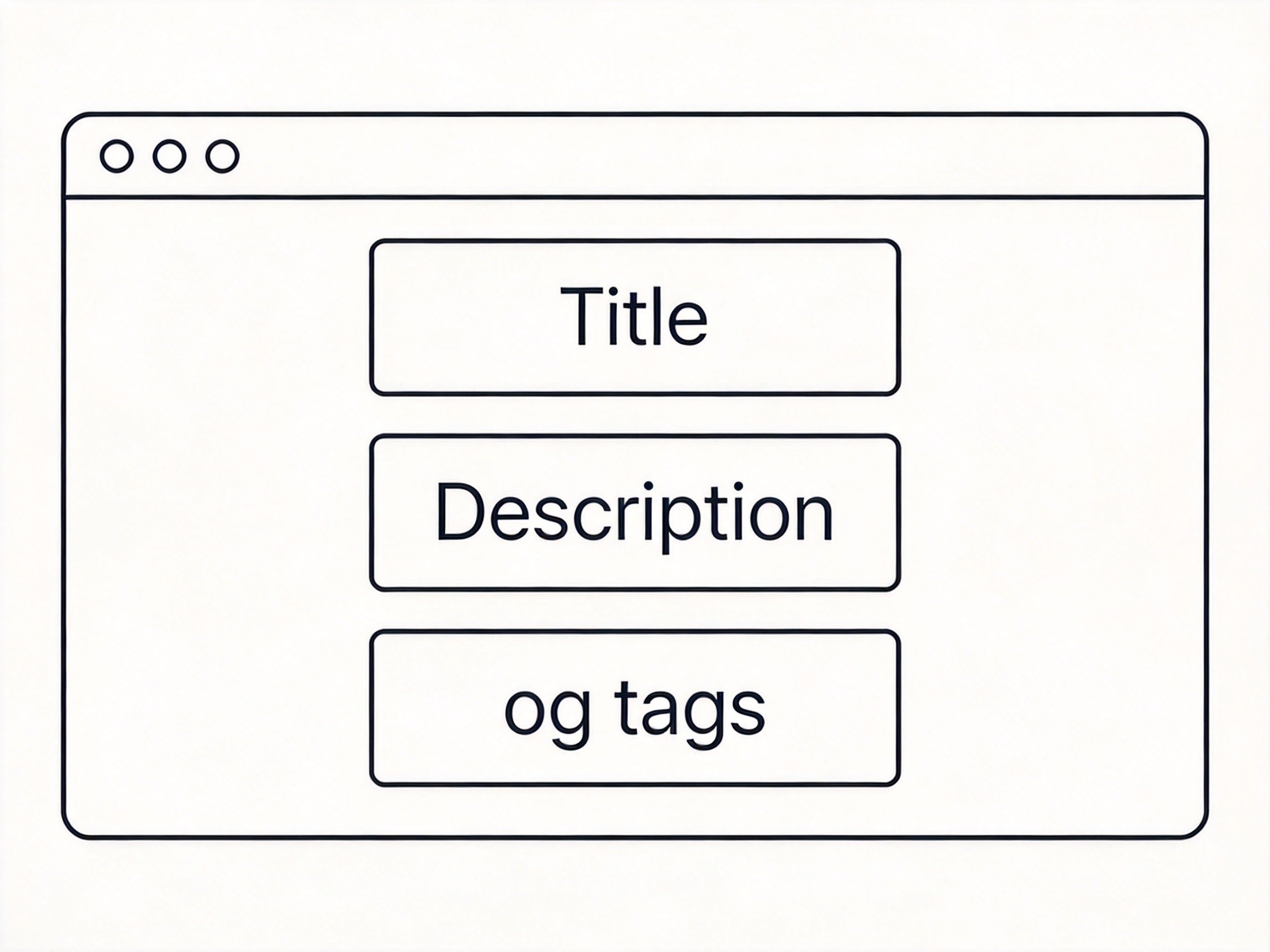
Meta tags look simple. Everyone's seen them. But here's the thing — I still see major websites getting these wrong, and it costs them clicks, shares, and rankings.
After auditing hundreds of sites, I've compiled the meta tags you actually need in 2026. No fluff, no outdated advice.
The Title Tag: Still the Most Important
Your title tag is the clickable headline in search results. It directly affects both your ranking and your click-through rate.
Rules for title tags:
- Length: 50-60 characters max. Beyond that, Google cuts it off with "..."
- Keyword placement: Put your primary keyword as close to the beginning as possible
- Brand inclusion: Add your brand name at the end with a separator: | or -
- Uniqueness: Every page should have a unique title
Bad example: Home | Company Name (too generic, wastes precious character limit)
Good example: Best Running Shoes 2026: Expert Reviews & Buying Guide | RunnerPro
The Meta Description: Not for Rankings, But Critical for Clicks
Meta descriptions don't directly affect rankings — Google has said this repeatedly. But they massively affect click-through rates, which indirectly helps SEO.
Write descriptions that:
- Are 150-160 characters
- Include a call to action
- Contain your target keyword (it gets bolded in results)
- Accurately summarize the page content
Also: don't leave it empty. Google will auto-generate one from page content, and you lose control over what shows in search results.
Open Graph Tags: Why Your Links Look Empty on Social
You've probably seen it — someone posts a link on LinkedIn or Facebook and it shows a sad blank box instead of a nice preview with an image and description. That's missing Open Graph tags.
The four essential OG tags:
<meta property="og:title" content="Your Page Title">
<meta property="og:description" content="Description shown on social">
<meta property="og:image" content="https://yoursite.com/image.jpg">
<meta property="og:url" content="https://yoursite.com/page">
Quick note: your og:title can be different from your HTML title. For social sharing, you might want something more engaging or action-oriented than your SEO title.
Twitter Cards: Different from OG, Requires Separate Tags
Here's something many developers miss: Twitter Cards don't automatically inherit from Open Graph tags. You need to add Twitter-specific meta tags:
<meta name="twitter:card" content="summary_large_image">
<meta name="twitter:title" content="Your Page Title">
<meta name="twitter:description" content="Description for Twitter">
<meta name="twitter:image" content="https://yoursite.com/image.jpg">
The twitter:card type matters: use summary for small images or summary_large_image for the full-width card that gets more visibility.
The Canonical Tag: Preventing Duplicate Content Issues
If you have multiple URLs pointing to the same content (with/without www, http/https, URL parameters), you need a canonical tag:
<link rel="canonical" href="https://yoursite.com/canonical-page">This tells search engines which version is the "real" one. Without it, you might get penalized for duplicate content, or worse, your preferred version doesn't get indexed.
Viewport and Robots: Often Overlooked
Two more tags that belong in every page's head:
<meta name="viewport" content="width=device-width, initial-scale=1.0">
<meta name="robots" content="index, follow">
The viewport tag is non-negotiable for mobile-friendly sites. The robots tag controls whether search engines index and follow links on your page. You can customize it per page (e.g., noindex for thank-you pages).
Common Mistakes I've Seen
Mistake 1: Descriptions over 160 characters. Google truncates, and the cut-off text looks unprofessional.
Mistake 2: Same description for every page. It's better to have no description than a generic one.
Mistake 3: OG image that's too small. Facebook recommends 1200x630 minimum. A blurry small image looks terrible.
Mistake 4: Forgetting to set og:type. Defaults to "website," which is fine for most pages, but "article" unlocks additional metadata options.
Tools to Generate and Validate Meta Tags
Generating these manually is tedious and error-prone. I use the Meta Tag Generator on ToolMixr to quickly create all the essential tags, then validate them with the OG Image Generator to make sure the preview looks right.
Also: use the Facebook Sharing Debugger and Twitter Card Validator before launching any major page. They'll show you exactly what social platforms see and flag issues before you share.
Meta tags aren't glamorous, but they're the foundation of how your site appears across the web. Get them right, and you're setting yourself up for better rankings and more clicks.