
Base64 Encoding Explained: What It Is and When to Use It
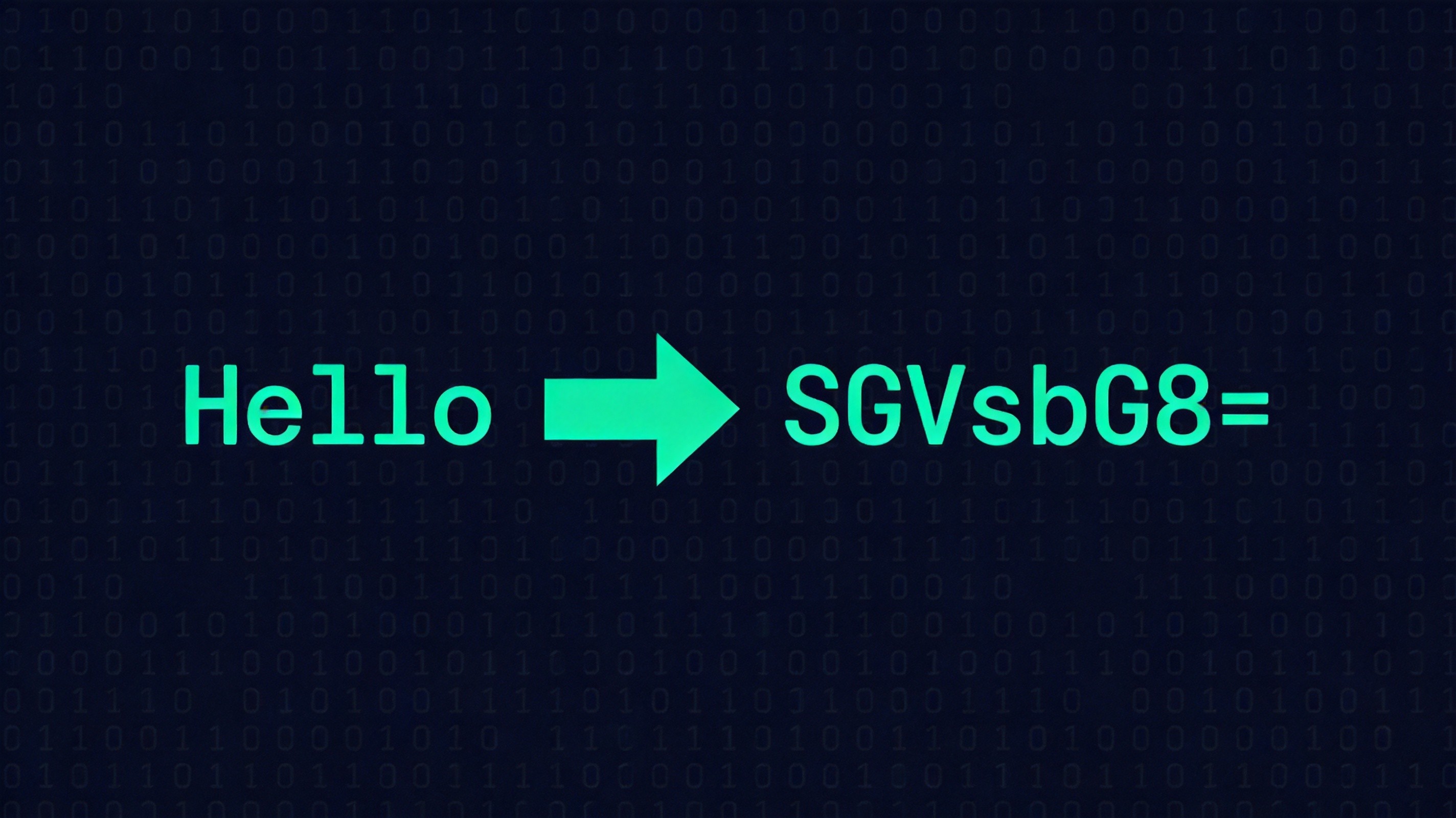
You've seen it everywhere: long strings of letters, numbers, and the occasional + and / ending with one or two = signs. It shows up in email headers, JWT tokens, data URIs, API keys, and embedded images in CSS. That's Base64.
But most people treat it like a black box — encode when told, decode when needed, and don't ask questions. That works until something breaks and you're staring at a garbled string wondering if it's corrupted, double-encoded, or just wrong.
Let's demystify Base64 so you actually understand what you're working with.
What Base64 Actually Does
Base64 converts binary data into ASCII text. That's the whole job. It takes any sequence of bytes — text, images, compressed files, anything — and represents it using only 64 printable ASCII characters.
Why 64? Because 64 values fit in 6 bits (2⁶ = 64), and 6 bits is the largest power of 2 that divides evenly into 24 (3 bytes = 24 bits). This means Base64 processes input 3 bytes at a time, converting each group of 3 bytes (24 bits) into 4 Base64 characters (4 × 6 = 24 bits).
The 64 characters used are:
- A–Z (0–25)
- a–z (26–51)
- 0–9 (52–61)
- + (62)
- / (63)
And = for padding (more on that below).
How Encoding Works: Step by Step
Let's encode the word "Man":
Step 1: Convert to ASCII bytes
M = 77, a = 97, n = 110
Step 2: Convert bytes to binary
77 = 01001101, 97 = 01100001, 110 = 01101110
Step 3: Combine into one bit stream
010011010110000101101110 (24 bits)
Step 4: Split into 6-bit groups
010011 | 010110 | 000101 | 101110
Step 5: Map each 6-bit group to Base64 character
19 → T, 22 → W, 5 → F, 46 → u
Result: TWFu
Three ASCII characters became four Base64 characters. That's the 33% expansion in action — every 3 bytes of input produces 4 bytes of output.
The Padding Problem: Why Base64 Ends with =
Since Base64 processes 3 bytes at a time, what happens when your input isn't a multiple of 3?
If the input is 1 byte short (2 bytes total): The encoder pads the last group with zeros to fill 6 bits, produces 3 Base64 characters, then adds one = to signal that one byte was padded.
If the input is 2 bytes short (1 byte total): Same idea, but now two bytes were padded, so you get two = signs.
Examples:
"M"(1 byte) →TQ=="Ma"(2 bytes) →TWE="Man"(3 bytes) →TWFu(no padding needed)
The padding tells the decoder exactly how many real bytes were in the original input, so it can strip the zeros correctly.
When You Actually Need Base64
1. Email Attachments (MIME)
SMTP — the protocol that sends email — was originally designed for 7-bit ASCII text only. You can't just attach a binary file to an email and expect it to survive transit through every mail server on the internet. MIME encoding solves this by converting the binary attachment to Base64, which is pure ASCII and safe for any mail server to handle.
2. Data URIs in HTML and CSS
Instead of referencing an external image file, you can embed small images directly in your HTML or CSS using a data URI:
<img src="data:image/png;base64,iVBORw0KGgo..." />This eliminates an HTTP request for tiny assets like icons. But don't overdo it — a 100KB image becomes ~133KB in Base64, and the browser can't cache it separately.
3. JWT Tokens
JSON Web Tokens use Base64URL encoding (a variant discussed below) for their header and payload sections. The token looks like xxxxx.yyyyy.zzzzz where each section is Base64URL-encoded JSON.
Important: the header and payload in a JWT are encoded, not encrypted. Anyone can decode them. The security comes from the signature, not from hiding the content. I've seen people put sensitive data in JWT payloads assuming it was safe because it "looks encrypted." It's not.
4. API Keys and Credentials in Config Files
Many services distribute API keys and secrets as Base64-encoded strings. This isn't for security — it's for transport safety. A Base64 string won't break JSON parsing, won't get mangled by URL encoding, and won't contain control characters that could corrupt a config file.
Base64 vs. Base64URL: The Variant You Probably Need
Standard Base64 uses + and /, which are reserved characters in URLs. If you put a standard Base64 string in a URL, those characters will break things.
Base64URL is a URL-safe variant that replaces:
+→-/→_- Padding
=→ removed entirely
JWT uses Base64URL. If you're working with URLs or tokens, you probably want Base64URL, not standard Base64.
Common Mistakes
1. Treating Base64 as encryption. It's not. It's an encoding. Anyone can decode it. If you need to protect data, encrypt it first, then encode the ciphertext.
2. Double-encoding. Sometimes an API expects a Base64-encoded value, but the data you're encoding is already Base64. You end up with VFdGdQ== instead of TWFu, and nothing works. Always check if your input is already encoded.
3. Using the wrong variant. Using standard Base64 in a URL context (or vice versa) causes subtle bugs. The + in standard Base64 gets decoded as a space by URL parsers. Always use Base64URL for anything URL-related.
4. Ignoring the 33% size penalty. Base64 increases data size by roughly one-third. For small strings, it doesn't matter. For large files, it does — a 3MB image becomes 4MB in Base64. This impacts bandwidth, storage, and load times.
The Tool for the Job
When I need to quickly encode or decode a Base64 string, I use the Base64 Encoder/Decoder on ToolMixr. It handles both encoding and decoding in one interface, and I don't have to open a terminal or browser console for quick checks.
Quick Reference
- What it does: Converts binary data to ASCII text
- Size cost: ~33% larger than original
- Character set: A–Z, a–z, 0–9, +, /, = (standard) or -, _, no padding (URL variant)
- Not encryption: Anyone can decode it
- Use it when: You need binary data to survive a text-only transport
- Don't use it when: You need to protect data, compress data, or save space
Related Articles
Base64 isn't complicated once you see past the ugly strings. It's just a straightforward conversion — 3 bytes in, 4 characters out — designed to make binary data safe for text-based systems. The next time you encounter a Base64 string, you'll know exactly what you're looking at and what to do with it.