QR Code Technology Explained: How It Works and Best Practices
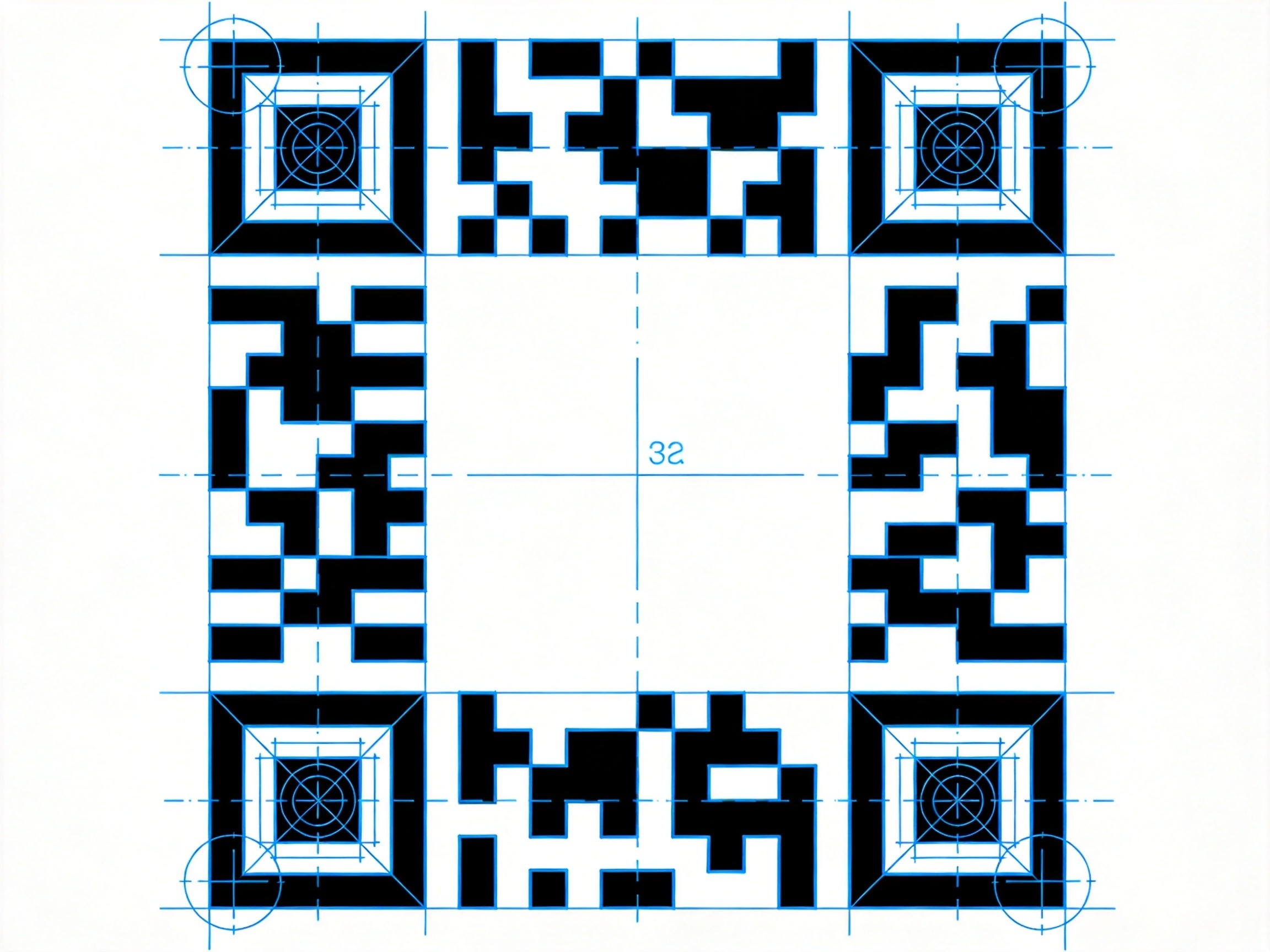
QR codes were invented in 1994 by a Toyota subsidiary to track vehicles during manufacturing. They sat quietly for 25 years, mostly used in Japan for inventory management. Then 2020 happened, and suddenly everyone — from restaurants to vaccine distributors — needed contactless solutions.
Now they're everywhere. But here's the thing: most people scanning them have no idea how they work. And most people generating them don't know why their design sometimes fails. Let's fix that.
Anatomy of a QR Code
Those distinctive square patterns in three corners aren't random — they're positioning markers. They tell the scanner "this is a QR code" and help calculate the code's orientation. If you rotate a QR code 90 degrees, it still works because the scanner sees those corner markers and figures out the rotation.
The fourth corner sometimes has a smaller version (the alignment pattern) in larger QR codes — it helps the scanner correct for perspective distortion if the code is viewed at an angle.
The rest is data: black and white modules arranged in a grid. Each module (the technical term for each square) represents a bit — black is 1, white is 0. The density of modules determines how much data the code can hold.
Versions and Data Capacity
QR codes come in 40 versions, ranging from 21×21 modules (Version 1) to 177×177 modules (Version 40). Each version adds 4 modules per side. More modules = more data capacity.
Capacity depends on what you're encoding:
- Numeric only (0-9): Up to 7,089 characters (Version 40)
- Alphanumeric (A-Z, 0-9, space, $%*+-.): Up to 4,296 characters
- Binary/Byte: Up to 2,953 bytes (usually UTF-8)
- Kanji: Up to 1,817 characters (special encoding for Japanese characters)
For most real-world uses (URLs, contact info, small amounts of text), even Version 1 or 2 is plenty. I made a working QR code for a URL that fits in 29×29 modules — it scans perfectly on modern phones.
Error Correction: Why You Can Cover Part of a QR Code
This is the cool part. QR codes use Reed-Solomon error correction — the same algorithm used in CDs, DVDs, satellite TV, and data transmissions. It adds redundant data so the code can be partially damaged and still decode successfully.
Four levels of error correction:
- L (Low): ~7% recovery — use when you need maximum data capacity
- M (Medium): ~15% recovery — good default for most uses
- Q (Quartile): ~25% recovery — good for industrial or outdoor use
- H (High): ~30% recovery — use when you'll add a logo or custom design
That cute branded QR code with your logo in the middle? It probably uses Level H error correction, otherwise the logo pixels would destroy the data. The tradeoff: higher error correction means fewer modules available for actual data.
Why QR Codes Sometimes Don't Scan
I've tested hundreds of QR codes, and there are a few common failure modes:
1. Insufficient contrast: The scanner needs clear black-white separation. Gray (from low-resolution scaling) confuses it. Always use pure black (#000000) and pure white (#FFFFFF).
2. Quiet zone violation: The white border around the code isn't decorative — it's the quiet zone that helps the scanner isolate the code from surrounding content. Minimum: 4 modules wide on all sides.
3. Too small: Most guidance says 1×1 inch minimum, but modern phones are better. Still, if your code is on a poster someone will photograph from across the room, make it bigger. A billboard QR code should be huge.
4. Curved surfaces: Printing on a bottle or curved surface distorts the modules. Flat surfaces scan best.
Security Considerations
Here's something most people don't think about: QR codes can contain malicious URLs. A bad actor can print a QR code that looks legitimate but sends you to a phishing site or downloads malware.
This is called "qrljacking" or "malicious QR code substitution." It happens in practice — someone places a sticker with their QR code over the legitimate one in a public space.
Best practices:
- Check the URL before following it, especially if it redirects
- Use a QR scanner that previews the URL before opening it
- Be suspicious of QR codes on physical materials that seem out of place
- Businesses: verify your QR codes haven't been tampered with
Creating Good QR Codes
When I need a QR code, I use the QR Code Generator on ToolMixr because it gives me control over error correction level and output format. Some tips:
- Short URLs first: Use a URL shortener if your URL is long. Shorter data = simpler QR code = better scanning reliability.
- Test with multiple phones: iPhones and Android phones have different camera software. Test on both if possible.
- Print a test copy: Screen rendering differs from print. Always test with the actual medium you'll use.
- Don't add logos carelessly: A logo in the center requires high error correction and might fail on older phones. If you must brand it, test thoroughly.
QR codes are 30-year-old technology that suddenly became essential. Understanding how they work helps you create ones that actually work — and spot ones that might not be what they claim to be.