Lorem Ipsum Is Dead: Why Designers Are Switching to Real Content
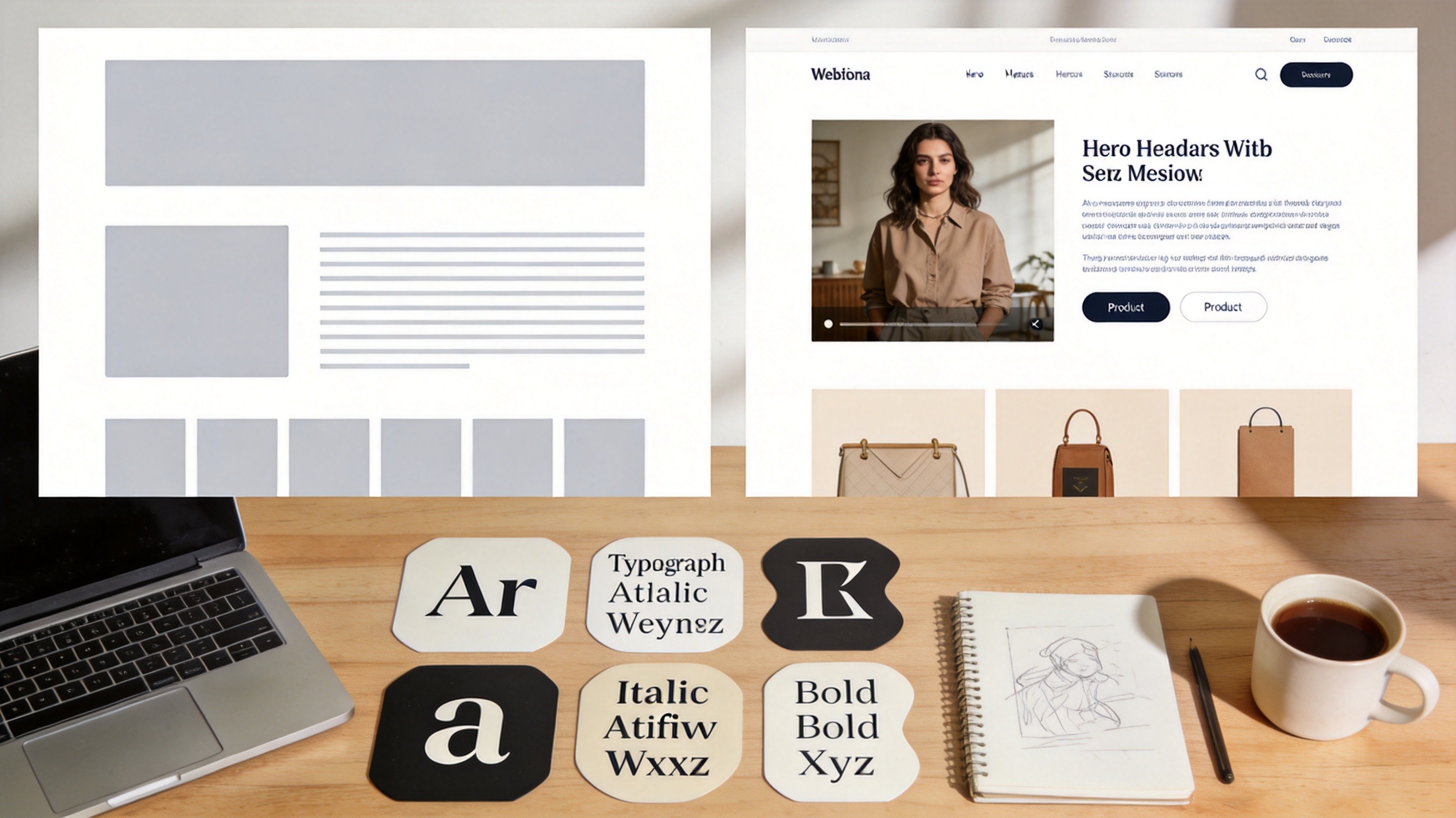
I once presented a client with a beautiful homepage mockup. Every section perfectly balanced, typography on point, whitespace like a Swiss design poster. The client's first comment: "Why does this say 'lorem ipsum' everywhere?" They couldn't see past the fake text to evaluate the actual design. And honestly? They had a point.
Lorem ipsum has been the default placeholder for over 500 years — yes, it's been around since the 1500s — and it's time to admit that it's causing more harm than good in modern design workflows. The problem isn't just that it's meaningless. It's that meaningless text leads to meaningless design decisions.
The Real Problem With Lorem Ipsum
Sure, lorem ipsum looks like text. It has roughly the same word length distribution as English, and it fills space in a layout. But that's exactly where the trouble starts — it fills space too evenly.
Real content is messy. Some paragraphs are two sentences. Others are seven. Product descriptions vary from 20 words to 200. Headlines range from "Hi" to "The Ultimate Guide to Choosing the Right Industrial HVAC System for Your Commercial Property." Real text has variation in length, complexity, and tone that lorem ipsum completely smooths over.
This creates what I call the "lorem ipsum illusion": your mockup looks perfectly balanced with placeholder text, but the moment real content is dropped in, everything breaks. Long headlines wrap to three lines. Short descriptions leave awkward gaps. Bullet points turn a compact card into a scrolling nightmare.
I've lost count of how many "final" designs I've had to rework because they were optimized for evenly-distributed placeholder text instead of the chaotic reality of actual content.
Content-Aware Design: Why It Matters
When you design with real (or realistic) content, you make different decisions. You notice that 90-character headlines need a different typographic approach than 30-character ones. You realize that a card component needs to handle both one line of description text and five. You discover that your carefully proportioned grid looks terrible when some items have reviews and others don't.
This isn't just my opinion — there's research behind it. A study published in the International Journal of Human-Computer Studies found that designers who used realistic content during prototyping produced layouts that required 40% fewer revisions after content integration. The designs were more robust because they'd been tested against the variability of real text from the start.
Content-aware design also catches UX problems early. If a button says "Submit" in your mockup but the real label is "Save and Continue to Payment," that's a layout problem you want to catch before development, not after.
The Five Alternatives to Lorem Ipsum
1. Real Content (The Gold Standard)
If you have actual content — even rough drafts — use it. Nothing beats designing with the real thing. You'll catch edge cases immediately, stakeholders can evaluate the design in context, and there's no translation step between "the design" and "the real thing."
The objection is always: "But the content isn't ready yet!" Fair. In an ideal world, content and design would be developed simultaneously. In reality, content often comes after. But even rough content — bullet points, half-written paragraphs, a list of what needs to go on each page — is better than lorem ipsum.
2. Content-Appropriate Placeholder Text
If real content isn't available, use placeholder text that matches the type of content the design will contain. For an e-commerce site, write fake product descriptions with realistic lengths and structures. For a news site, write fake headlines and article summaries. For a SaaS product, write fake feature descriptions and pricing copy.
This doesn't take much time — you can generate a few paragraphs of realistic-looking content for each section type in 10-15 minutes. And it pays for itself in the layout problems it surfaces early.
The key is matching the characteristics of real content: headline length, paragraph length, whether there are bullet points, whether there are numbers, whether sections have equal or varying amounts of text. Get those right and you'll catch 90% of content-related layout issues.
3. Themed Lorem Ipsum Generators
If writing custom placeholder text is too time-consuming, themed generators are a decent middle ground. These produce random text that's themed to your industry or content type — tech startup ipsum, restaurant ipsum, medical ipsum, etc.
The advantage over traditional lorem ipsum: themed generators produce text with realistic vocabulary and sentence structure for your domain. A medical website filled with "healthcare ipsum" reads more naturally to stakeholders than one filled with Latin-derived gibberish. It also makes mockups easier to evaluate because people can imagine real content in that context.
4. Variable-Length Test Content
This approach is specifically designed to stress-test layouts. Instead of filling every section with the same amount of placeholder text, deliberately vary the lengths. Give one card a one-word headline and another a twelve-word headline. Make one product description 10 words and another 200. Include sections with no text at all.
This is the anti-lorem-ipsum approach: instead of smoothing everything to an average, you push extremes. It's not pretty for presentations, but it'll reveal every layout weakness before a single line of code is written.
I do this for every component-based design system I build. If a card component can't handle both a 5-word and a 25-word title without breaking, I want to know in Figma, not in production.
5. AI-Generated Content
Yes, I know. But hear me out — AI-generated placeholder content has a genuine use case: quickly producing realistic-length text that matches your content type and domain. A prompt like "Generate a realistic product description for a wireless headphone, about 80 words" gives you something that looks and feels like real content without the effort of writing it yourself.
The caveat: never ship AI placeholder content to production without reviewing it. It's meant for design and prototyping, not for your actual website. But for filling mockups with text that has the right length, structure, and vocabulary, it's faster than writing custom placeholders and more realistic than lorem ipsum.
The Accessibility Angle
Here's something most people don't consider: lorem ipsum can be an accessibility problem. Screen readers will read it out loud, and it's genuinely confusing for users who rely on assistive technology. Imagine navigating a website and hearing "lorem ipsum dolor sit amet consectetur adipiscing elit" — it sounds like the site is broken.
The WCAG guidelines require that content be "readable and understandable." Lorem ipsum fails that test for anyone using a screen reader. If your design needs to be presented in an accessible context (and most do), placeholder text should at minimum be in the page's actual language.
Some teams use ARIA labels to hide lorem ipsum from screen readers, but that's a band-aid. The better solution is to use real or realistic content that screen readers can process meaningfully.
What About Content-First Design?
The design community has been debating "content-first" vs. "design-first" workflows for years. Content-first says you should write all the content before designing anything. Design-first says you should create the layout and then fill in content.
Both extremes are impractical. Content-first assumes the content team has capacity to write everything upfront, which rarely happens. Design-first assumes the content will magically fit whatever layout is created, which it never does.
The practical middle ground is what I call "content-informed design": you don't need final content, but you do need content structure. Know what types of content go where, how long they'll typically be, and what variations exist. Design to that structure, and the final content will fit without major rework.
Content structure includes things like: "This section has a headline (8-15 words), a subheadline (15-25 words), and 2-4 feature cards with titles (3-8 words) and descriptions (30-60 words)." That's enough information to design a layout that won't break when real content arrives.
How I Structure Placeholder Content
Here's my actual workflow:
- Define content structure for each page/section before designing. Headline length, body text length, number of items, whether items have equal or varying content.
- Generate placeholder content that matches that structure using a lorem ipsum generator configured for the right paragraph and word counts.
- Add variability — deliberately make some items longer or shorter than average to test layout resilience.
- Replace with real content as it becomes available. Since the layout was designed for the content structure, not for a specific block of text, the transition should be smooth.
This workflow takes a bit more upfront work than slapping lorem ipsum everywhere, but it saves enormous amounts of time later. I haven't had a "the content doesn't fit the design" crisis since I started doing this.
The Bottom Line
Lorem ipsum isn't evil — it's just not helpful anymore. It was invented for typesetters who needed to show font specimens, not for digital designers who need to build flexible, content-responsive layouts. In 2026, we have better options that produce better results.
Start with content structure, use realistic placeholder text that matches your content type, test with variable lengths, and replace with real content as early as possible. Your designs will be more robust, your stakeholders will give better feedback, and you'll spend less time reworking layouts that only worked with perfectly-even fake Latin.
If you need to generate placeholder text quickly, I built a lorem ipsum generator that lets you customize paragraph count, word count range, and whether you want traditional Latin or modern English-style filler text. It's faster than typing garbage and more controlled than copy-pasting from random websites.